A production-ready Angular 21 + Tailwind v4 admin dashboard & starter kit — 48 components, Kanban + Calendar, full RTL + dark mode, Docker, and AI-ready docs your Claude Code assistant understands. Perfect choice for freelancers.
48 components · Angular 21 · Light / Dark / RTL · Docker · AI-ready (Claude Code)
You're a freelancer, and every client project opens with the same setup — a cost you eat on every one. Build it from scratch and you re-do it every time (and re-explain it to your AI). The kit ships it finished, so your sprint and your tokens go to the work the client actually paid for.
Honest framing. How much time the kit saves depends on the project, on how much of the kit you use, and on your seniority. We don't put a fake number on it. What we'll commit to: the inventory above is real, current-generation, and shipped finished.
Everything ships together. No tiers, no add-ons.
Angular 21, standalone components, signals, Tailwind v4, full auth flow, 48 reusable components, light + dark themes, RBAC, i18n with RTL.
CLAUDE.md context + tiered docs + slash commands. Claude Code reads them automatically; point Cursor or Copilot at the same files and your AI matches the kit's conventions.
Multi-stage Dockerfile (frontend nginx + backend node), /healthz, gzip, immutable cache, docker-compose for one-command stack.
Express + Prisma + SQLite, mirrors the mock endpoints. There to help you demo a real DB — optional, not required to run the kit.
Click any frame to enlarge. These are real screenshots from the live demo.
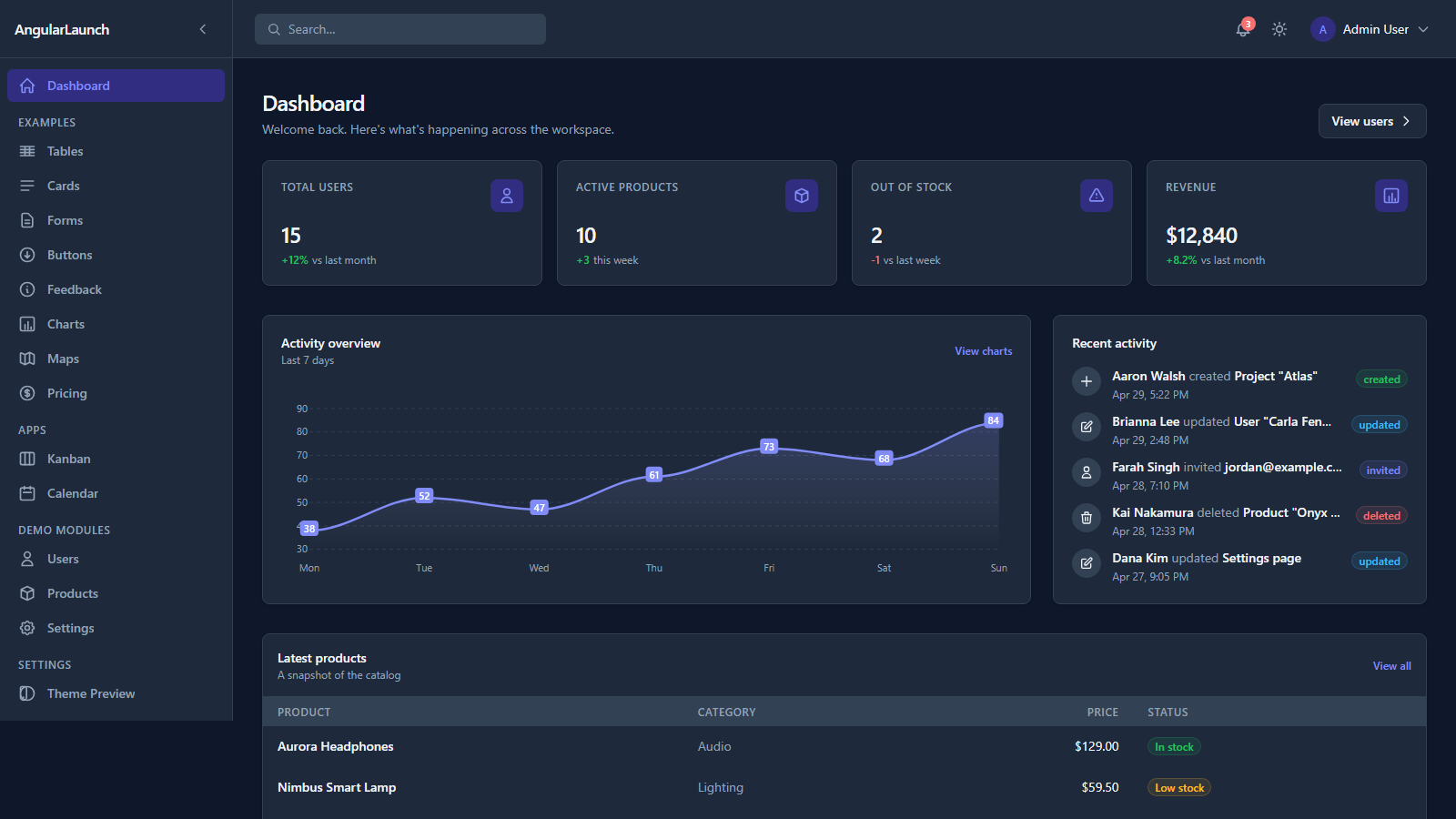
Dashboard — KPI cards + activity feed (dark theme)
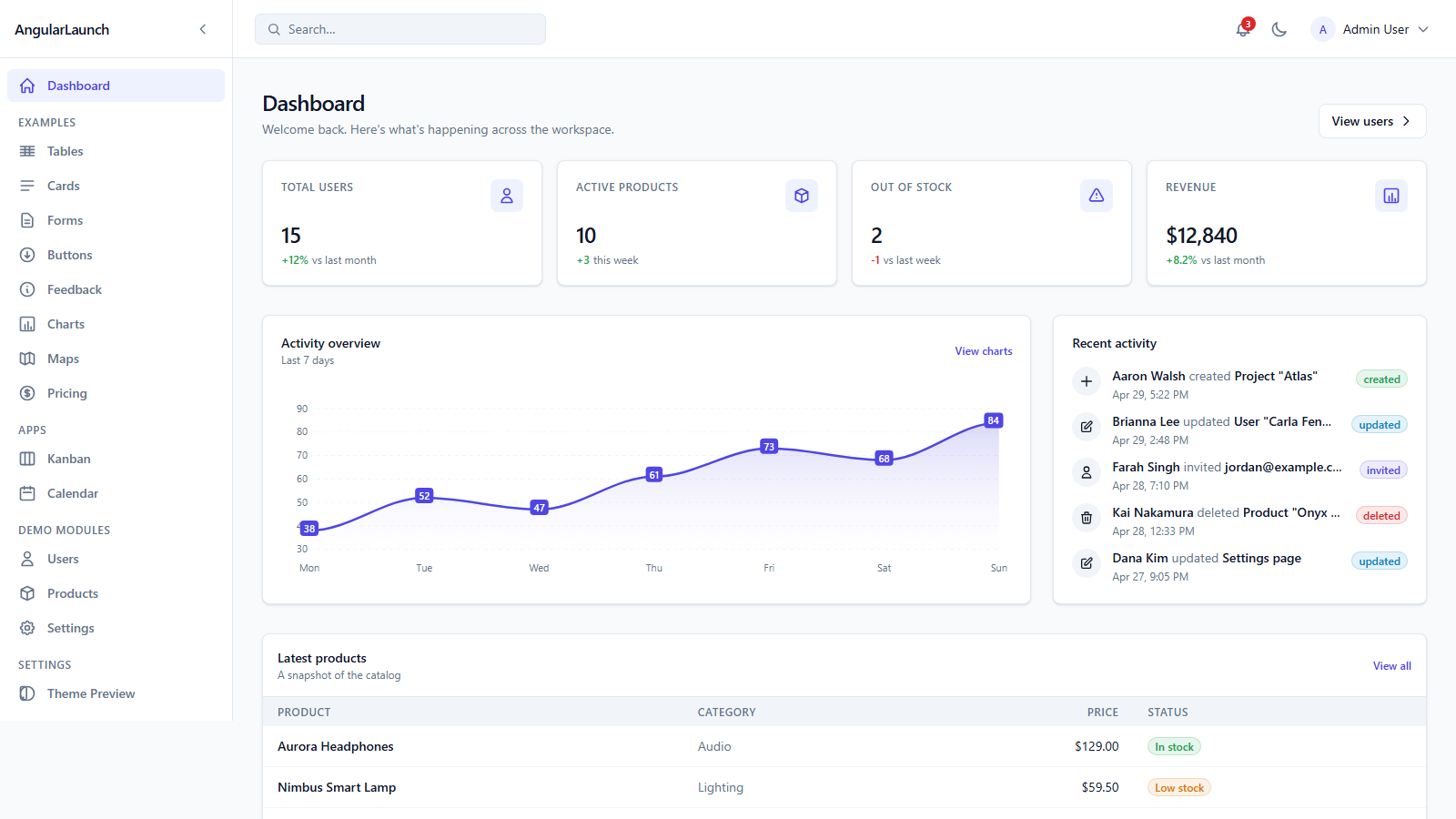
Same dashboard, light mode — one token table, no dark: variants
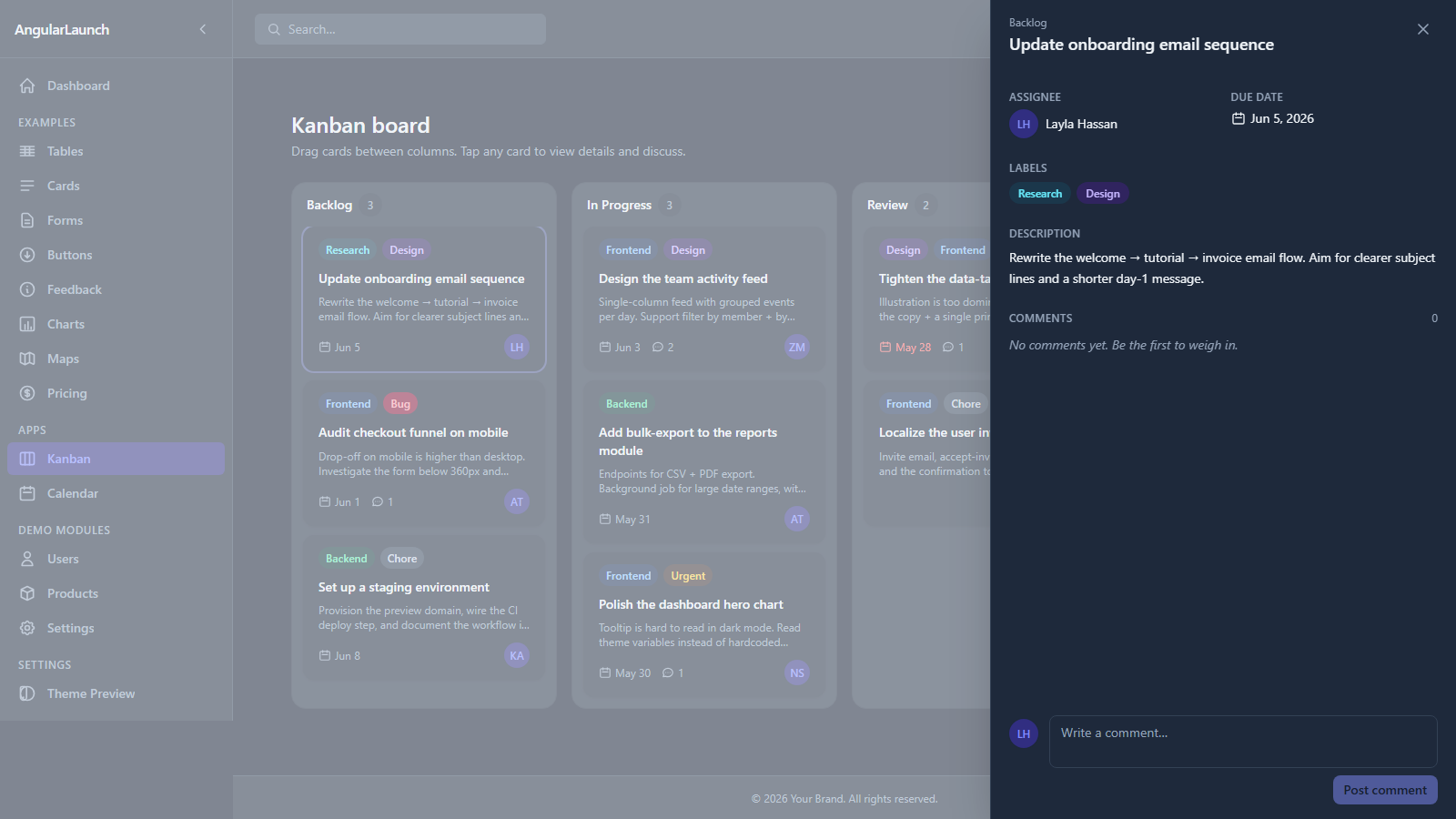
Kanban — drag-and-drop columns + task detail drawer with comments
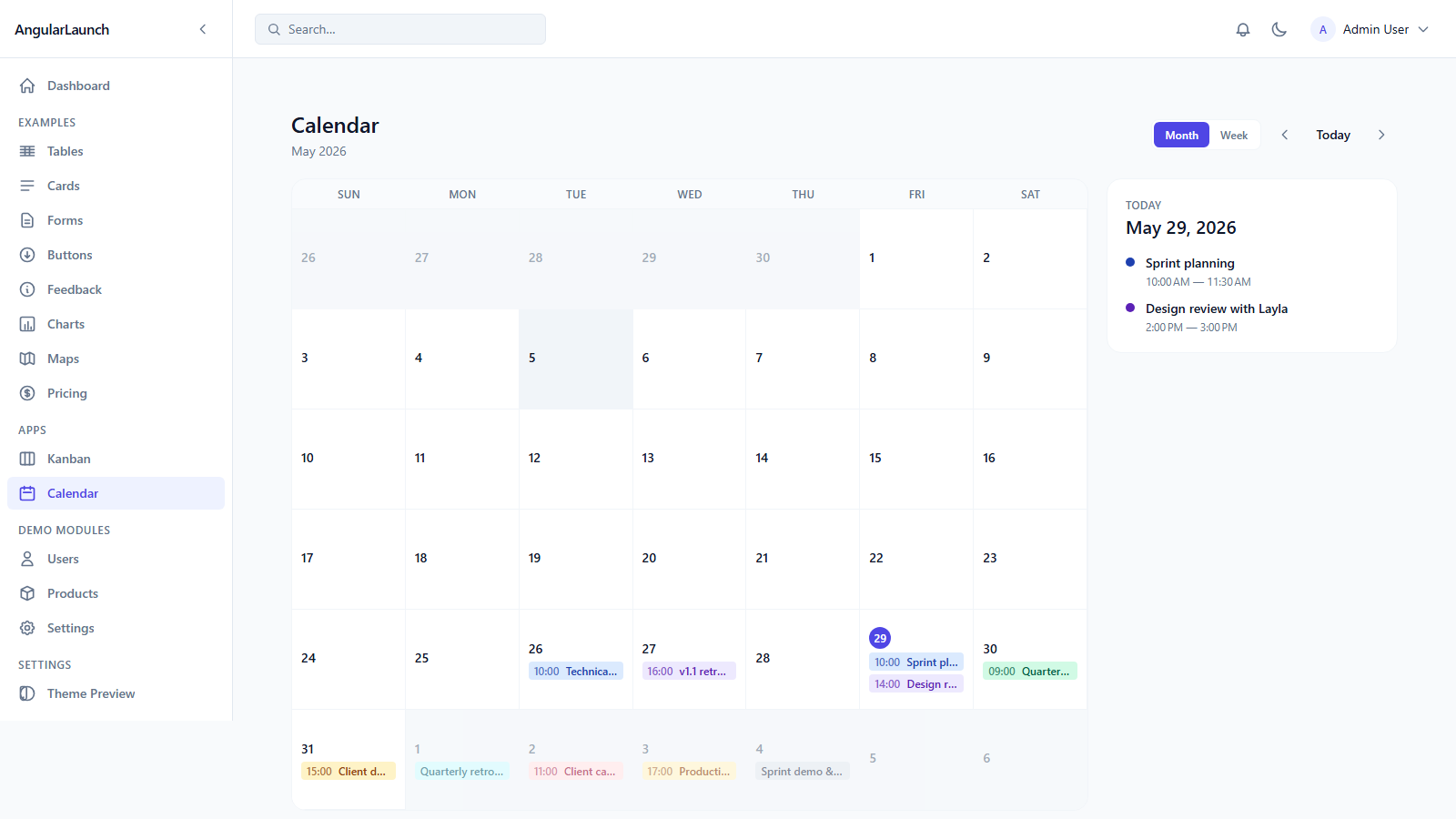
Calendar — month + week views, selected-day side panel
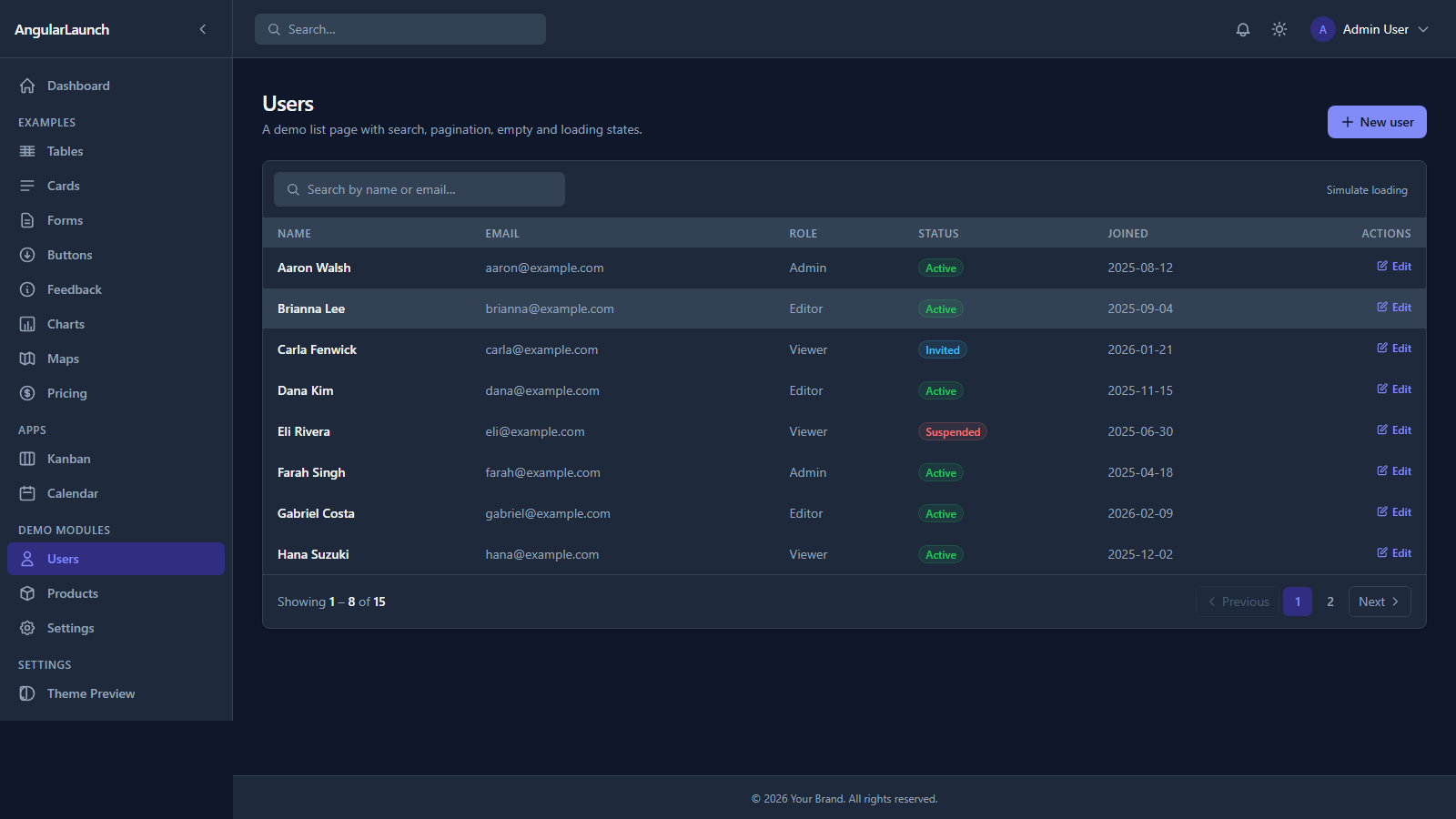
Users CRUD — searchable, paginated data table with badge cells
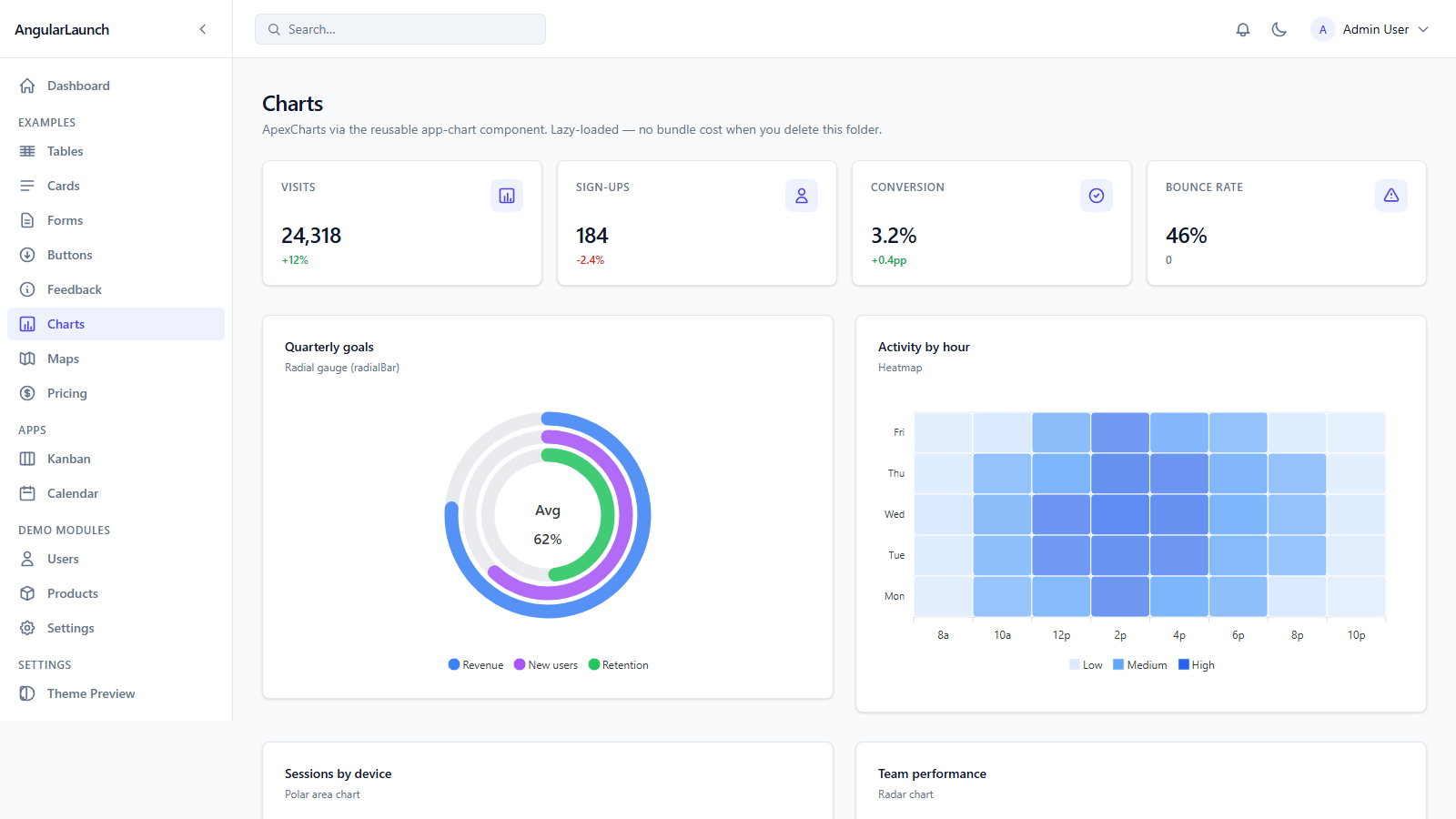
ApexCharts — 8 chart types, lazy-loaded, theme-aware
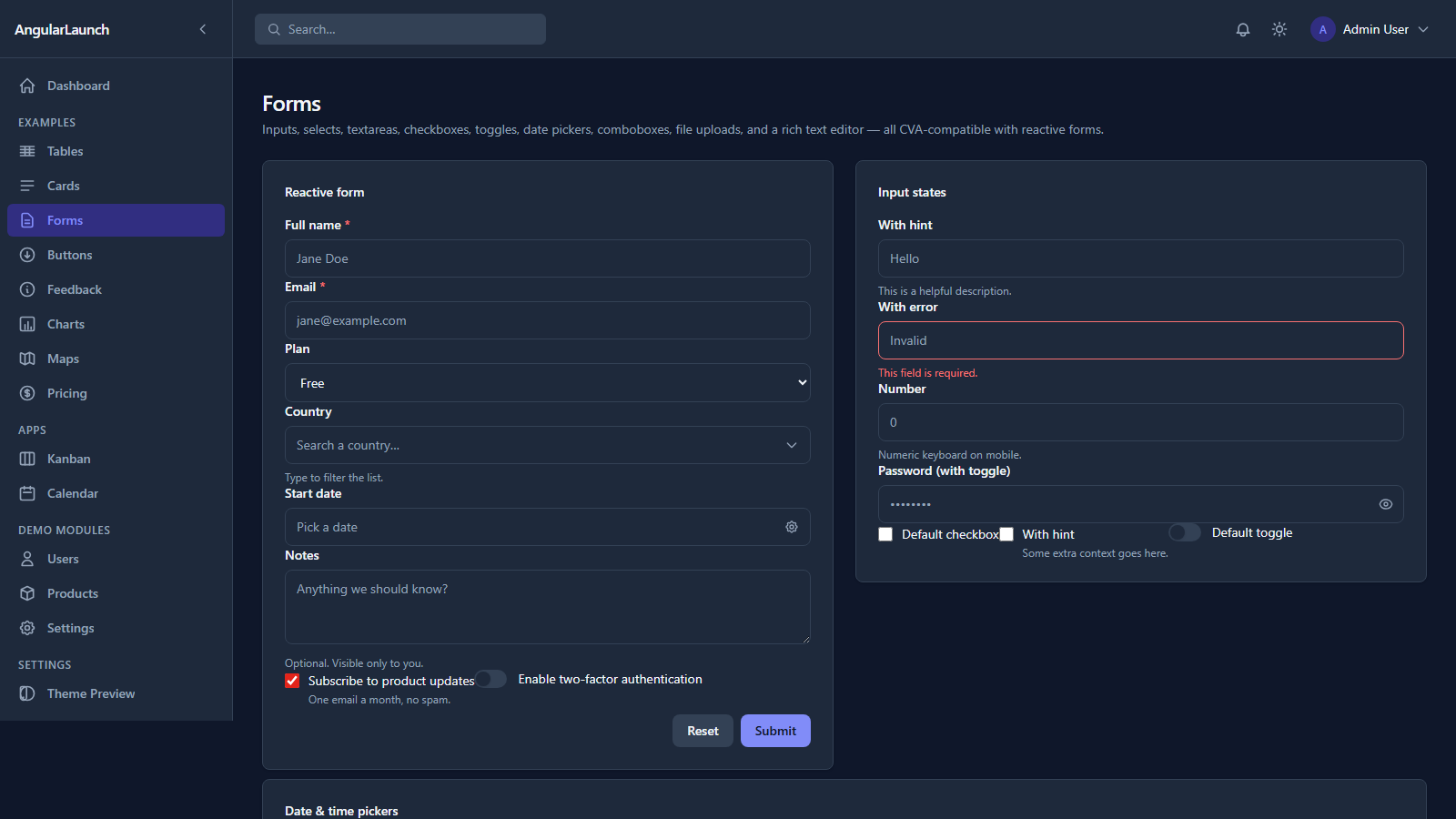
Forms — every input state, reactive validation, password eye-toggle
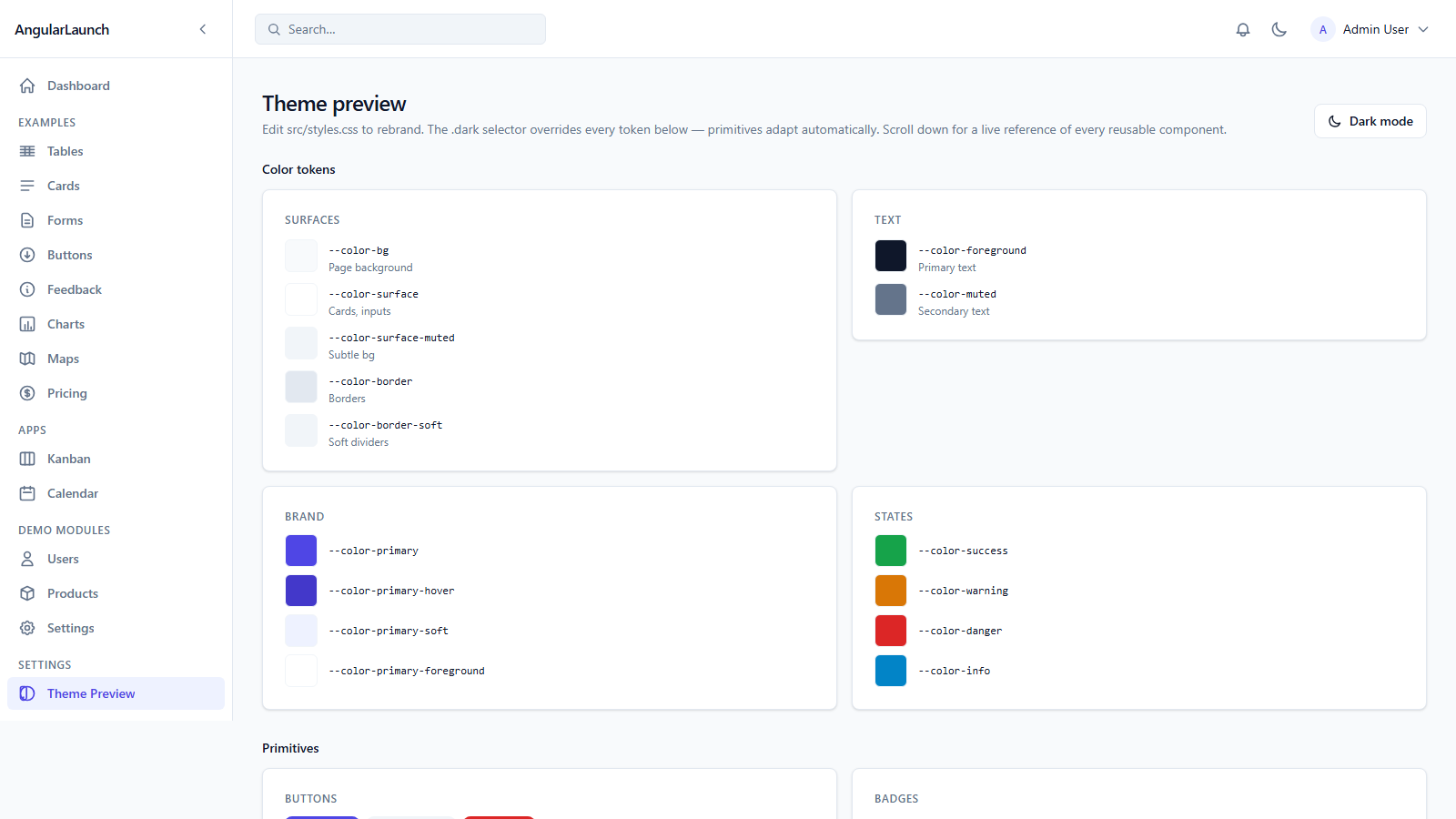
Theme preview — every component in one place, live token swap
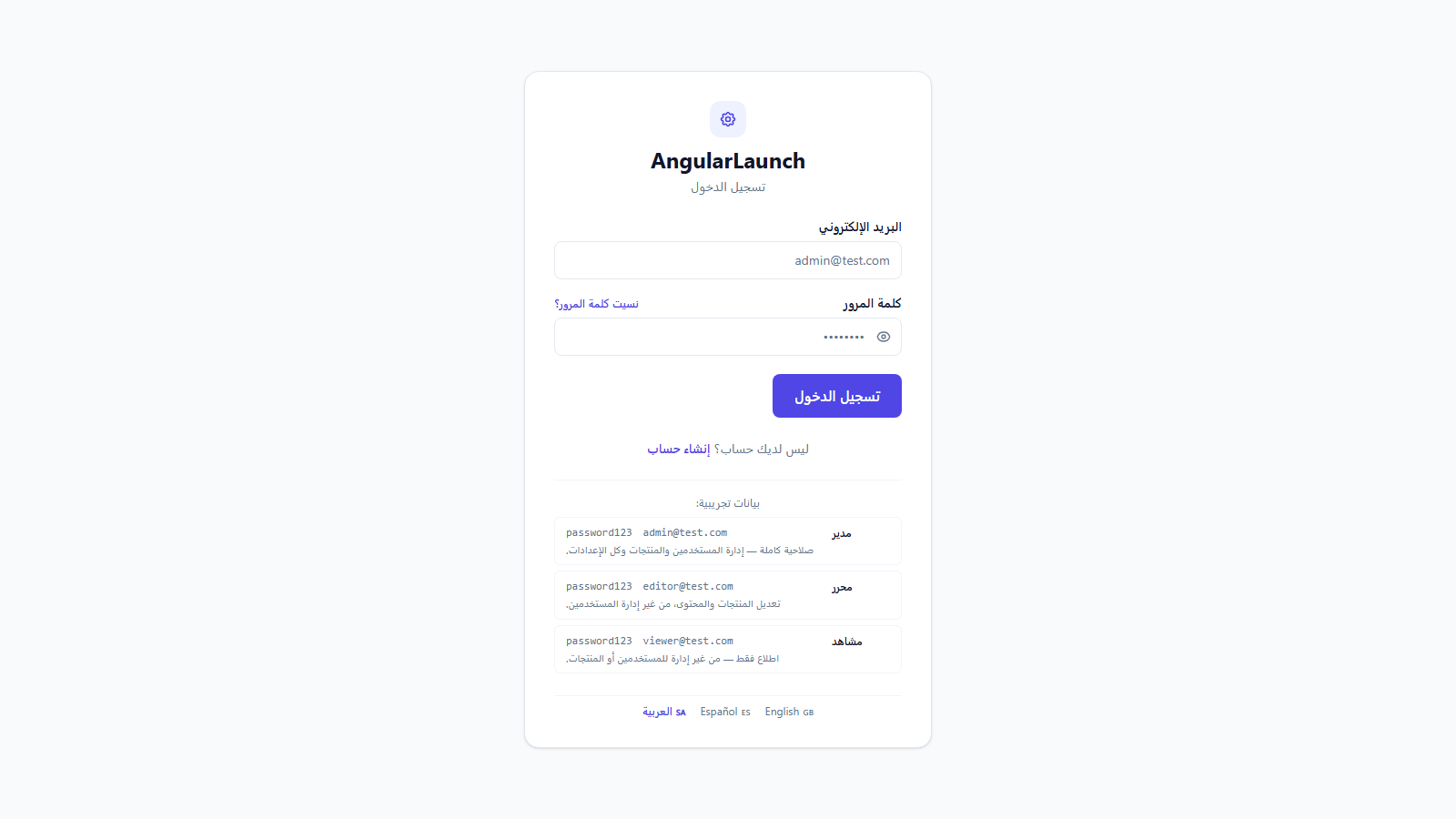
Arabic RTL — Transloco-powered with auto direction flip
Most templates leave your AI assistant guessing — this one ships the context. If you use Claude Code, Cursor, or Copilot, the kit's structure is designed so the AI knows the project from token zero and writes code that matches it.
Auto-loaded on every session — path index, conventions, "don't" rules in ~80 lines.
Routes / components / theme / patterns / recipes — loaded only when the AI needs them.
/add-route · /add-feature · /rebrand · /strip · /switch-api · /docker · and more — type once, get the scaffold.
One kit, one price. Secure checkout via Gumroad.
Production-ready Angular 21 + Tailwind v4 dashboard — built for AI-assisted development.
One-time payment. Instant download.
Secure checkout and instant delivery through Gumroad.
No. The kit uses Angular 21 features (signals, contentChildren, new control flow). For older versions you would need to backport.
No. The frontend works standalone with the mock interceptor. The optional Express/Prisma reference backend is just there to help you demo a real database — it's not required to run the kit.
Yes. Edit src/styles.css (one file) and src/app/config/branding.config.ts and you've reskinned the entire kit. Visit /settings/theme to preview live.
Yes. Mock data lives in one folder (core/mocks/). Each example page lives in its own folder, so removing one is straightforward.
It's intermediate. You should be comfortable with Angular components, services, routing, and basic TypeScript. If you've built one Angular app you're ready.